
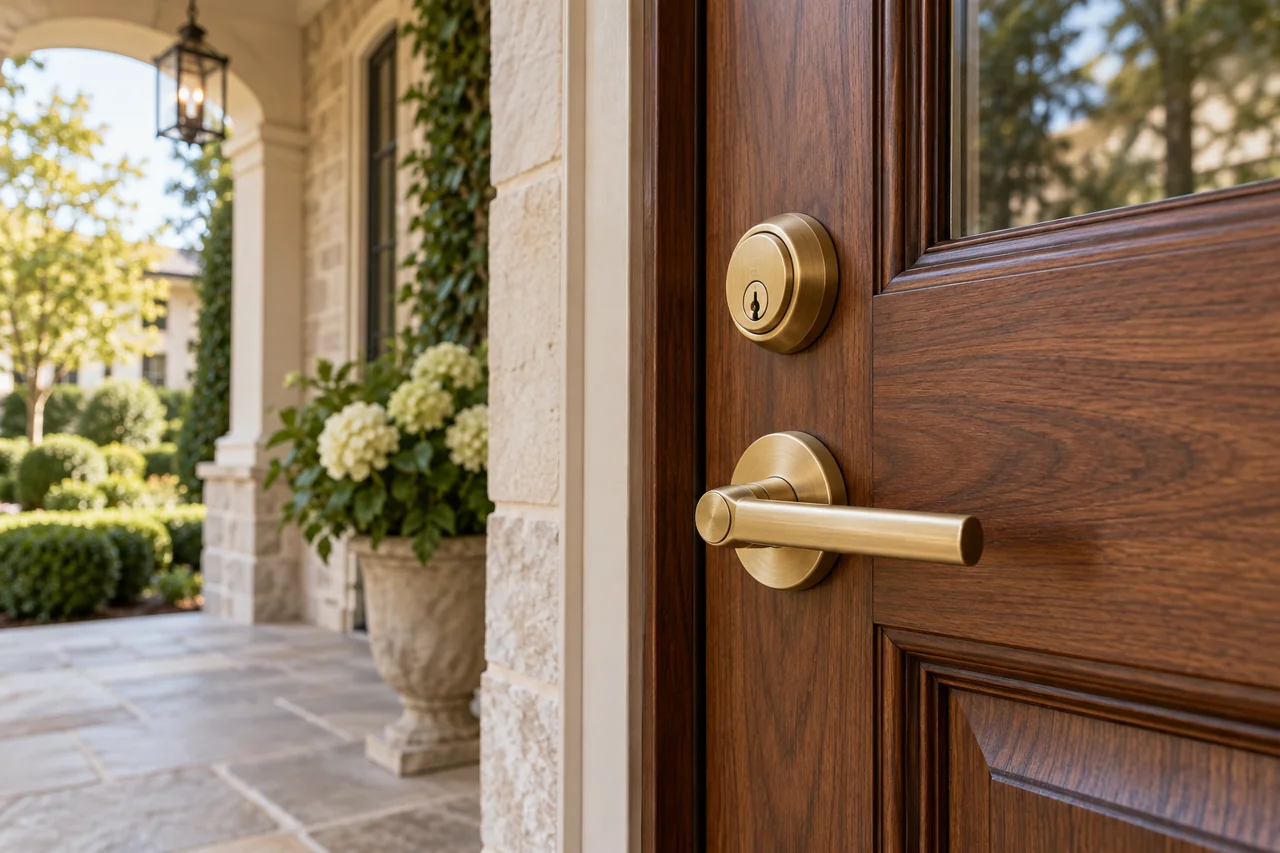
A smart lock should make access easier without disguising a door problem. Begin with the exact model and the entrance, then decide which connected features will be useful for your household.
Check mechanical and digital compatibility
Full replacement deadbolts and retrofit devices have different requirements. Verify the manufacturer’s door preparation, clearance and handing requirements. A door that must be lifted or pulled into place should be assessed before a motorized lock is fitted; an app cannot correct physical misalignment.
Know what the model actually supports
Local keypad access, Bluetooth, Wi-Fi and home-automation integrations are different features. Some models need additional equipment or a supported platform for remote operation. Review battery type, low-battery warnings and the manufacturer’s backup access method before deciding how the household will enter when a phone is unavailable.
Plan a careful handover
The owner should control the app account and decide who can manage guests. Remove temporary setup access and keep recovery details secure. Do not send Wi-Fi passwords, entry codes or account credentials in a service description. Installation scope should distinguish physical fitting from network setup and ongoing platform support.
Hand over control of the connected system
Agree who owns the lock account, what platform the selected model needs and which user should receive administrator access. Installation and account administration should be listed separately when relevant. Review backup entry, battery alerts and the manufacturer’s instructions with the authorized owner. Avoid sending setup credentials or access codes in general work-order updates.
What to have ready
• Exact device make and model • Whether the lock is already purchased • Door photos and desired entry methods